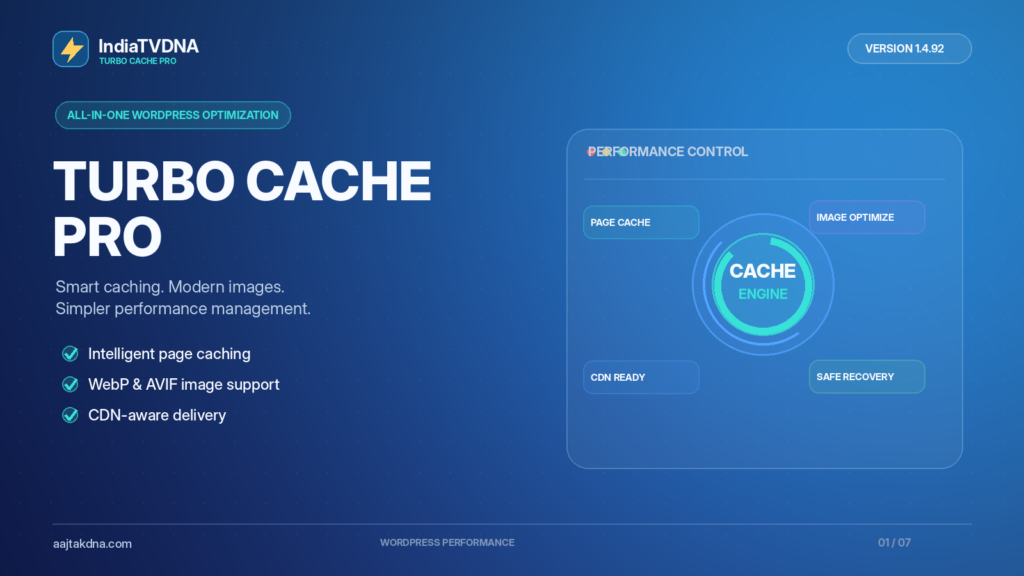
IndiaTVDNA Turbo Cache Pro: Complete WordPress Speed Setup Guide. Speed work succeeds when the whole WordPress delivery path is understood. IndiaTVDNA Turbo Cache Pro is a paid caching and image optimization plugin available from AajTakDNA; the current listed edition is v1.4.92. Its published feature set includes page caching, automatic purge and recovery, WebP/AVIF image support, CDN-aware delivery and WooCommerce cache protection. This guide explains a responsible setup process and how to verify each stage.
What is IndiaTVDNA Turbo Cache Pro?
Turbo Cache Pro is positioned as a WordPress performance optimization tool that manages eligible public page caching, image delivery and cache maintenance in one dashboard. Unlike a performance monitor that primarily investigates delays, a caching plugin changes how some content is served. That makes installation checks, cache exclusions and rollback procedures especially important for production sites. Product-listed capabilities are not the same thing as an independently measured speed improvement.
Before installation: establish a reliable baseline
Measure several representative URLs before changing settings: homepage, a recent article, a frequently visited category, and—on WooCommerce—a product page and a checkout journey. Record device, location, whether the visitor is logged in, whether the request was the first uncached visit, and whether a hosting CDN is already active. Note initial response time alongside LCP, INP and CLS where field data is available. Google explains why a slow initial server response is only one part of the total page-loading experience in its server response guidance.
How to install and activate the licensed plugin
- Take a restorable backup of both files and the WordPress database.
- Confirm the product-listed minimum requirements: WordPress 6.0 or later and PHP 8.1 or later.
- Check whether LiteSpeed Cache, another page cache, server cache or CDN feature is currently rewriting cached HTML. Avoid conflicting optimization layers.
- Buy the required plan, open My Account → Downloads and download the licensed CUSTOMER_READY ZIP.
- Visit WordPress Admin → Plugins → Add New → Upload Plugin; install and activate the ZIP.
- Open the Turbo Cache Pro license screen, enter the license key and confirm activation on the correct website.
- Review default cache exclusions, image options and any hosting/CDN integration before enabling extensive processing.
Page caching: understand eligible and private routes
For a public, anonymous blog article, serving reusable HTML can avoid unnecessary PHP/database work. However, logged-in sessions, carts, checkout requests, account screens and forms containing personalized data must be treated differently. A correct setup considers cookies, URL parameters, request methods and user state—not only the visible page URL. The plugin listing specifically calls out WooCommerce-aware bypass rules, but owners should still test them with actual sessions.
Automatic purge, rebuild and recovery
The product lists automatic cache purge, rebuilding and fallback/recovery capabilities. After a post update, the page’s cached output should eventually reflect the changed content; after a theme update, relevant assets and templates should not remain stale indefinitely. Check whether cache invalidation affects related archives, not just the article itself. If the rebuild or cache storage fails, examine the plugin’s status messages and verify what visitors receive rather than assuming an automatic recovery system always succeeds.
WebP, AVIF and CDN support
Modern image formats can reduce transfer size for suitable source assets while maintaining acceptable visual quality. Real gains depend on the source image, selected quality and browser behavior. Where browser-aware delivery is available, inspect the actual image response and confirm there is a fallback to a supported original or other format. The product also lists hosting CDN and Cloudflare compatibility; that means you should confirm the active delivery route and SSL health in your environment, not assume every request automatically follows one fastest route.
How to verify Turbo Cache Pro is actually helping
- Request the same public URL several times, first cold and then warm.
- Look for cache-state evidence in the plugin’s diagnostics or HTTP response headers, if provided.
- Repeat tests for logged-in and logged-out users separately.
- Update a test article and confirm the visitor-facing content refreshes after purge or rebuild.
- Inspect image network responses for format, file size and fallback.
- Compare median rather than cherry-picked best results, and run a small real-device test for visual and checkout correctness.
Cache HIT is evidence of reuse on an eligible request—not a guarantee of a fixed PageSpeed score or an improved conversion rate.
Plans, pricing and official links
AajTakDNA listed three one-site plans when checked on 22 October 2026: 30 days — ₹99, 1 year — ₹999, and lifetime — ₹2,999. The listing states the installed version as 1.4.92. Verify current terms, support and update entitlements on the live product page before purchasing.
Frequently asked questions
Will this plugin always make my site three times faster?
No. The outcome depends on your server, uncached workloads, existing cache/CDN, assets and measurement conditions. No universal multiplier is warranted.
Should I activate multiple page-cache plugins together?
Not without checking compatibility; duplicate caching or cache rewrites may complicate invalidation and session safety.
Is this also a performance monitor?
Its listing includes built-in diagnostics, but caching and monitoring are different functions. Use diagnostic observations to verify actual delivery changes.
Explore IndiaTVDNA Turbo Cache Pro plans
Check the 30-day, 1-year and lifetime single-site license options at AajTakDNA. The software’s published version and available controls should always be confirmed against the purchased build and current store information.
Read the full WordPress caching series
- WordPress Page Cache Explained: HIT, MISS, Purge and Recovery
- WebP vs AVIF on WordPress: Smarter Image Optimization and Fallback
- Cloudflare vs Hosting CDN for WordPress: Cache Routes and Fallback
- WooCommerce Cache Safety: Cart, Checkout and Login Optimization
Editorial transparency: Feature references are based on the official AajTakDNA v1.4.92 product listing. Examples are explanatory, not live test screenshots or new speed benchmarks. The website’s actual results depend on configuration, caching layers, traffic, hosting and user behavior; speed scores and revenue growth are not guaranteed.
[…] IndiaTVDNA Turbo Cache Pro: Complete WordPress Speed Setup Guide […]
[…] IndiaTVDNA Turbo Cache Pro: Complete WordPress Speed Setup Guide […]